
SHAREit
SHAREit is a free Windows app from the SHAREit Team for moving photos, videos and documents between a PC and a phone. The current version is 5.1.0.7.
22.7 MB

2.5.4.0 · Florian Gilles · Page updated
NetSpeedMonitor is a free Windows tool by Florian Gilles that shows the current upload and download speed of your network connection in the taskbar.
Average 0.0 · ratings: 0
Thank you! Your rating is saved; you can change it. Could not save the rating. Please try again later. Too many ratings from your network today. Please try again tomorrow. The average appears after 5 ratings.
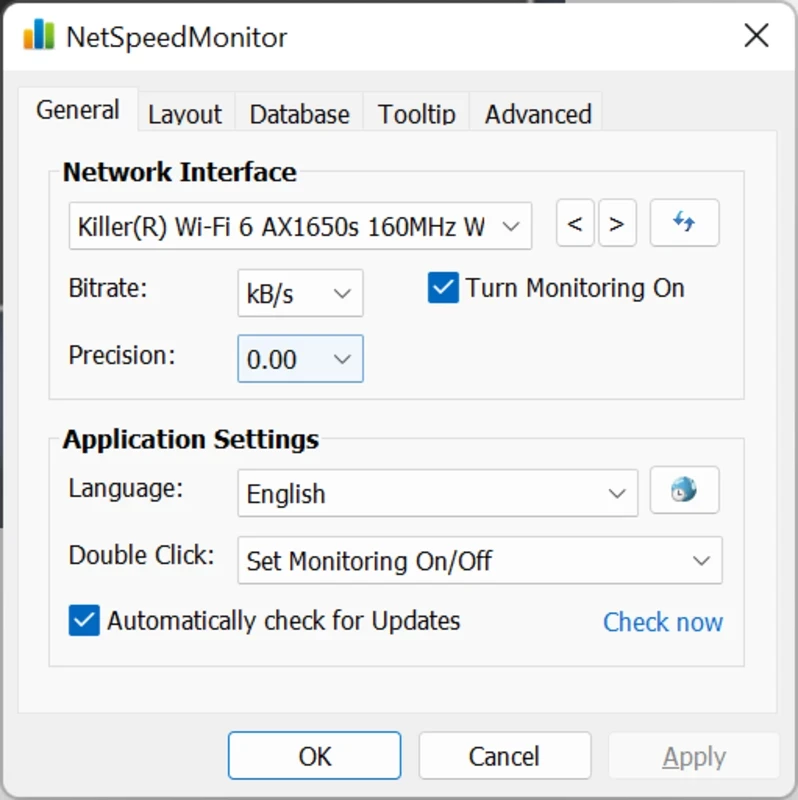
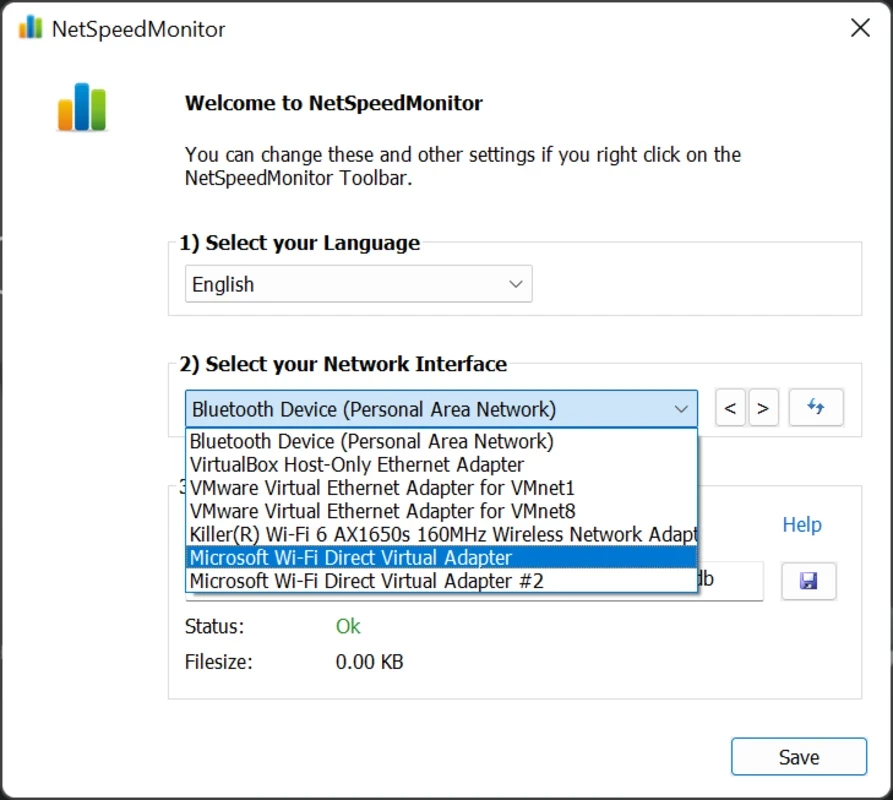
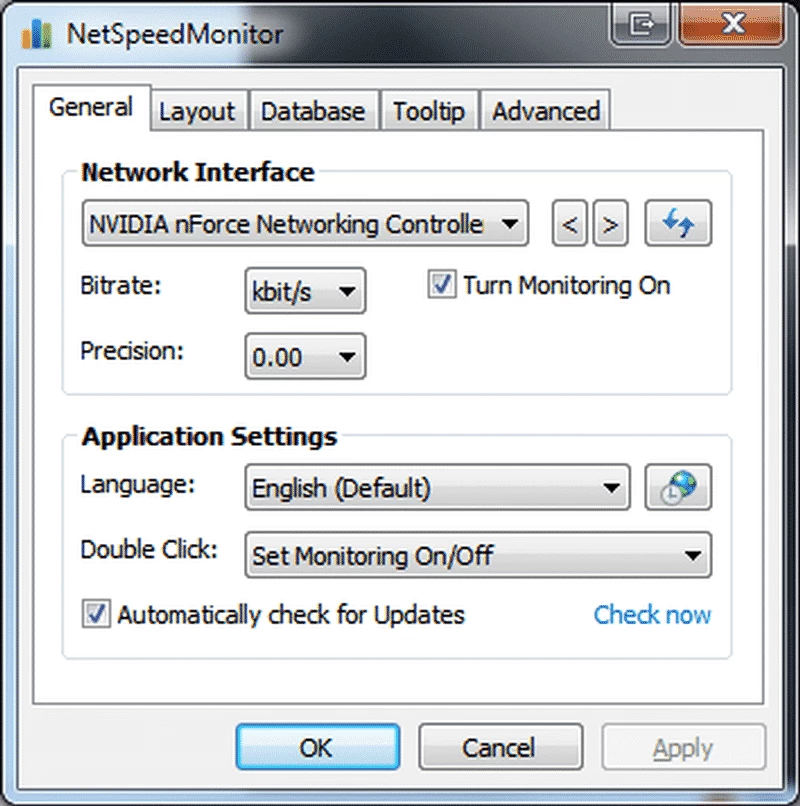
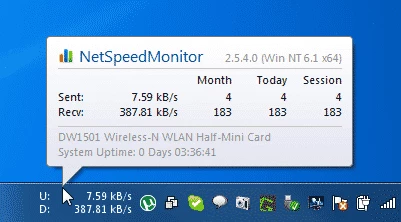
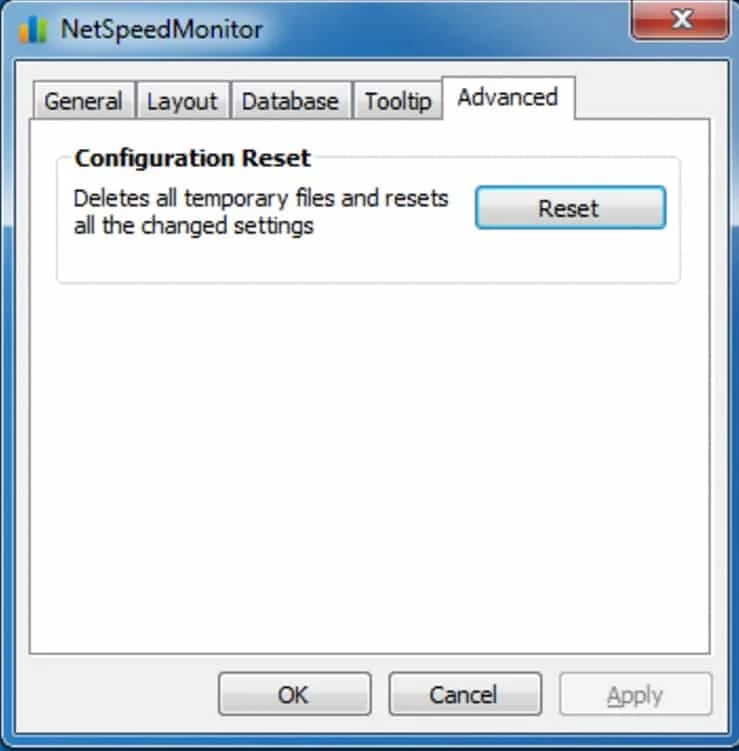
NetSpeedMonitor 2.5.4.0 is a free Windows tool by Florian Gilles that shows how fast data is moving through your network connection, right in the taskbar. Two small numbers, one for upload and one for download, tell you at a glance whether something is using your bandwidth. You can download NetSpeedMonitor for Windows via the developer's website.
Windows has detailed network statistics in Task Manager, but you have to open it to see them. NetSpeedMonitor keeps the key numbers visible all the time. That turns out to be surprisingly useful. When a video call starts stuttering, you can see immediately whether a background download or a cloud sync is hogging the connection. When a large file transfer seems stuck, the numbers show whether data is still flowing. Gamers watch it for unexpected traffic, and people on metered mobile connections use it to notice apps that download updates without asking. It is a monitoring tool only: it does not limit or block traffic, and it does not show which program is responsible. For that, a per-application tool is needed.
The download is about 3.48 MB according to catalogue data.
Taskbar tools depend on how Windows lets programs add elements to the taskbar, and that has changed over the years. If the toolbar does not show up on your version of Windows, check the developer's site for notes on your system, try running the installer in compatibility mode, or use one of the alternatives below. If the numbers stay at zero, you are probably watching the wrong adapter, for example a virtual one created by a VPN.
Network speeds are usually shown in bits or bytes per second, and eight bits make one byte. Your internet plan is advertised in megabits, while file downloads in a browser show megabytes, so the figures differ by a factor of eight. Pick the unit you find easier to compare with your plan.
NetSpeedMonitor only reads traffic counters from Windows; it does not inspect the content of your connections. Download it from the developer's site rather than from aggregators that wrap small freeware tools in their own installers.
To see and limit traffic per program, our listings include NetLimiter. Speedtest by Ookla measures the maximum speed of your connection, WinMTR helps find where a connection slows down, and Wireshark shows traffic in full technical detail.
SHAREit is a free Windows app from the SHAREit Team for moving photos, videos and documents between a PC and a phone. The current version is 5.1.0.7.

Zapya for Windows is a free file transfer app from DewMobile for moving files between a PC and phones over a local wireless connection.

Easy Connection to Screen is Samsung's Windows app for showing a PC's screen on a compatible Samsung TV over a wireless connection.

Internet Download Manager (IDM) is a shareware download manager for Windows from Tonec that accelerates, resumes and schedules downloads.

uTorrent (μTorrent) is a small BitTorrent client for Windows from Rainberry (BitTorrent Inc) for downloading and sharing files over torrents.

AnyDesk is a remote desktop application for connecting to and controlling another computer over the internet, from a small Windows program.

ShareMe is Xiaomi's free app for sending files between devices without a cable; on Windows the Android app runs only inside an emulator.

Xender is a free file sharing app from the Xender File Sharing Team for sending files between phones and computers over a local connection.